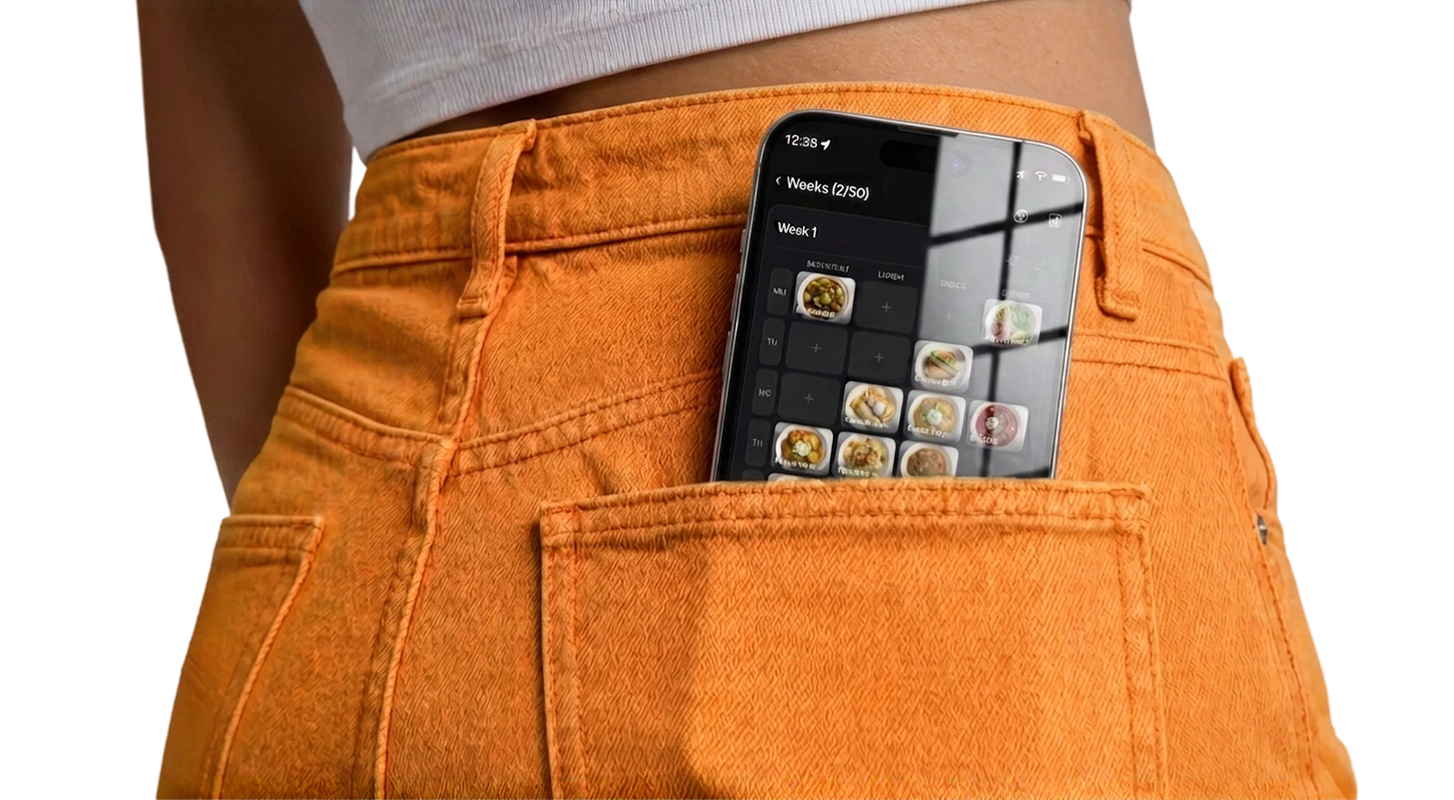

You get home after work. You're tired. The fridge has... something in it, maybe. You open a delivery app. Twenty minutes later, $25 is gone and you're eating pad thai on the couch again. Sound familiar? You're not lazy — you're just missing a system.
Why We Default to Takeout
Ordering food is the path of least resistance. It requires zero planning, zero preparation, and zero cleanup. When you're exhausted and hungry, those three zeros are incredibly attractive.
The problem isn't that takeout exists. It's that cooking requires you to make several decisions — what to eat, what ingredients you need, do you have them, how long will it take — all at the worst possible time: when you're already tired and hungry.
This is why telling yourself "I'll just cook more" never works. Motivation isn't the issue. The issue is that every evening, cooking requires more effort than ordering. And when you're tired, you'll always choose less effort. Every single time.
The only way to beat takeout consistently is to make cooking require less effort than ordering. And that means making the decisions before you're tired.
The Math That Should Scare You
Let's do some quick numbers. If you order takeout 5 times a week at an average of $20 per order (conservative for most delivery apps), that's $100 per week. Per month: $400. Per year: $4,800.
If you cook those same 5 meals at home, the average cost drops to about $5–8 per meal. That's $25–40 per week. The difference: roughly $60–75 per week, or $3,000–3,900 per year.
That's a vacation. That's a few months of rent. That's a significant chunk of savings. And it's not about eating less — it's about eating the same amount of food, just prepared at home.
Most people know this intellectually. But knowing it doesn't change behavior. Systems change behavior.
If you want the full breakdown — including the delivery and service fees that don't show on the menu — see how much takeout really costs you per year.
The Gradual Switch: Don't Go Cold Turkey
The biggest mistake people make is trying to go from ordering every night to cooking every night. That's a 100% behavior change overnight. It almost never sticks.
Instead, start with a realistic target: cook 3 nights this week. Order the other 4. That's it. Next week, try 4. The week after, try 5. Give yourself a month to build the habit gradually.
This works because you're not fighting the takeout habit — you're slowly replacing it. And on the nights you do order, you don't feel guilty because it's part of the plan.
The 5-Meal Starter Kit
You don't need 20 recipes to start cooking at home. You need 5. Five meals you can make without thinking too hard, that take 30 minutes or less, and that use ingredients available at any grocery store.
Here's an example starter set — adjust to your taste:
- Pasta with jarred sauce and a side salad — 15 minutes. Buy pasta, jar of sauce, bag of salad mix. Done.
- Stir-fry with rice — 20 minutes. Any protein, any vegetables, soy sauce, rice. Flexible and fast.
- Omelets with toast — 10 minutes. Eggs, whatever vegetables or cheese you have. The ultimate "I have nothing" meal.
- Sheet pan chicken and vegetables — 30 minutes (mostly hands-off). Throw everything on a pan, season, bake.
- Sandwiches or wraps with a side — 10 minutes. Not glamorous, but it's a real dinner and it beats a $22 delivery order.
These aren't Instagram-worthy meals. They're functional. And functional is what gets you from "I always order" to "I usually cook." You can get fancy later.
The Sunday 15-Minute Setup
Here's the system that actually makes the switch work. Every Sunday (or whatever day works), spend 15 minutes doing three things:
1. Pick your meals for the week
Look at your 5 meals. Assign them to specific days. Monday = pasta. Tuesday = stir-fry. Wednesday = order takeout (planned). Thursday = sheet pan chicken. Friday = order takeout (planned). Saturday = omelets. Sunday = sandwiches.
Notice: two planned takeout nights. This is intentional. You're not eliminating takeout — you're controlling it.
2. Make a grocery list
Go through each home-cooked meal and write down what you need. Check what's already in your kitchen. The list should be short — probably 10–15 items for five simple meals.
3. Shop once
Go to the store (or order delivery groceries — still cheaper than ordering prepared food). Get everything on the list. Come home. You're done planning for the week.
Total time: 15 minutes planning + 30 minutes shopping = 45 minutes. That's less time than you spend browsing delivery apps over the course of a week.
What to Do at 6 PM on a Weeknight
This is the moment that matters. You walk in the door. You're tired. Old you would open a delivery app. New you does this instead:
Check the plan. It says "stir-fry." The ingredients are already in your fridge because you shopped on Sunday. You pull them out, turn on the stove, and 20 minutes later you're eating. No decision-making required. No browsing menus. No waiting 45 minutes for a delivery driver.
The key insight: the decision was already made on Sunday. All you're doing on Tuesday is executing. And executing a simple meal when the ingredients are ready is genuinely easier than ordering, waiting, and cleaning up delivery containers.
Dealing With the "I Don't Feel Like Cooking" Nights
They'll happen. Even with a plan, some nights you just can't. Here's how to handle it without derailing the system:
Have a "zero effort" backup. Keep frozen meals, instant ramen, or bread and peanut butter in the house at all times. Not every dinner needs to be a production. A bowl of cereal is still better for your wallet than a $25 delivery order.
Swap days, don't skip. If you can't face the stir-fry on Tuesday, swap it with Thursday's simpler meal. The food doesn't expire by Tuesday night — you just shifted the schedule.
Use your planned takeout nights. That's what they're for. If you really can't cook on a "cooking night," swap it with a takeout night. No guilt. The system has flexibility built in.
Batch earlier in the week. If Monday's meal makes extra, store it. Your "I can't cook tonight" backup is already in the fridge.
The Snowball Effect
Something interesting happens after about three weeks. Cooking stops feeling like a chore and starts feeling normal. You begin to notice things:
- You're eating better food (home-cooked meals are almost always healthier than takeout)
- You have more money at the end of the month
- You're less stressed about dinner because the decision is already made
- You start experimenting — adding a new dish to your rotation, trying a different seasoning
- Takeout starts feeling like a treat instead of a default
This is the snowball effect. Each week builds on the last. Your dish list grows. Your confidence grows. Your weekly planning time shrinks because you're reusing plans that already worked.
When Takeout Is Fine
Let's be clear: takeout isn't evil. A planned dinner out or a Friday night pizza is a perfectly normal part of life. The problem is unplanned, daily takeout driven by decision fatigue and exhaustion.
The goal isn't to never order food again. It's to order by choice, not by default. When you cook 4–5 nights a week and order 2–3, you're spending less, eating better, and actually enjoying the takeout when you have it — because it's a choice, not a crutch.
For another angle on the same system, see our simple meal-planning system for stopping the daily takeout habit.
Download FoodsPlans
Save dishes, plan weeks, reuse plans, and generate grocery lists with AI — all in one simple app.
 App Store
 Google Play
Your Week One Challenge
Don't try to overhaul your life. Just do this:
Pick 3 simple meals from the starter kit above. Assign them to 3 specific days this week. Go buy the ingredients. Cook them. Order takeout the other nights. That's it.
If you cook 3 times this week, you've saved roughly $35–45 compared to ordering all 7 nights. And more importantly, you've proven to yourself that cooking at home is doable — even on a tired weeknight. That proof is worth more than any amount of motivation, because it's evidence that the system works for you.
Next week, try 4 meals. The week after, 5. Within a month, cooking will be your default and takeout will be your treat. And your bank account will thank you.