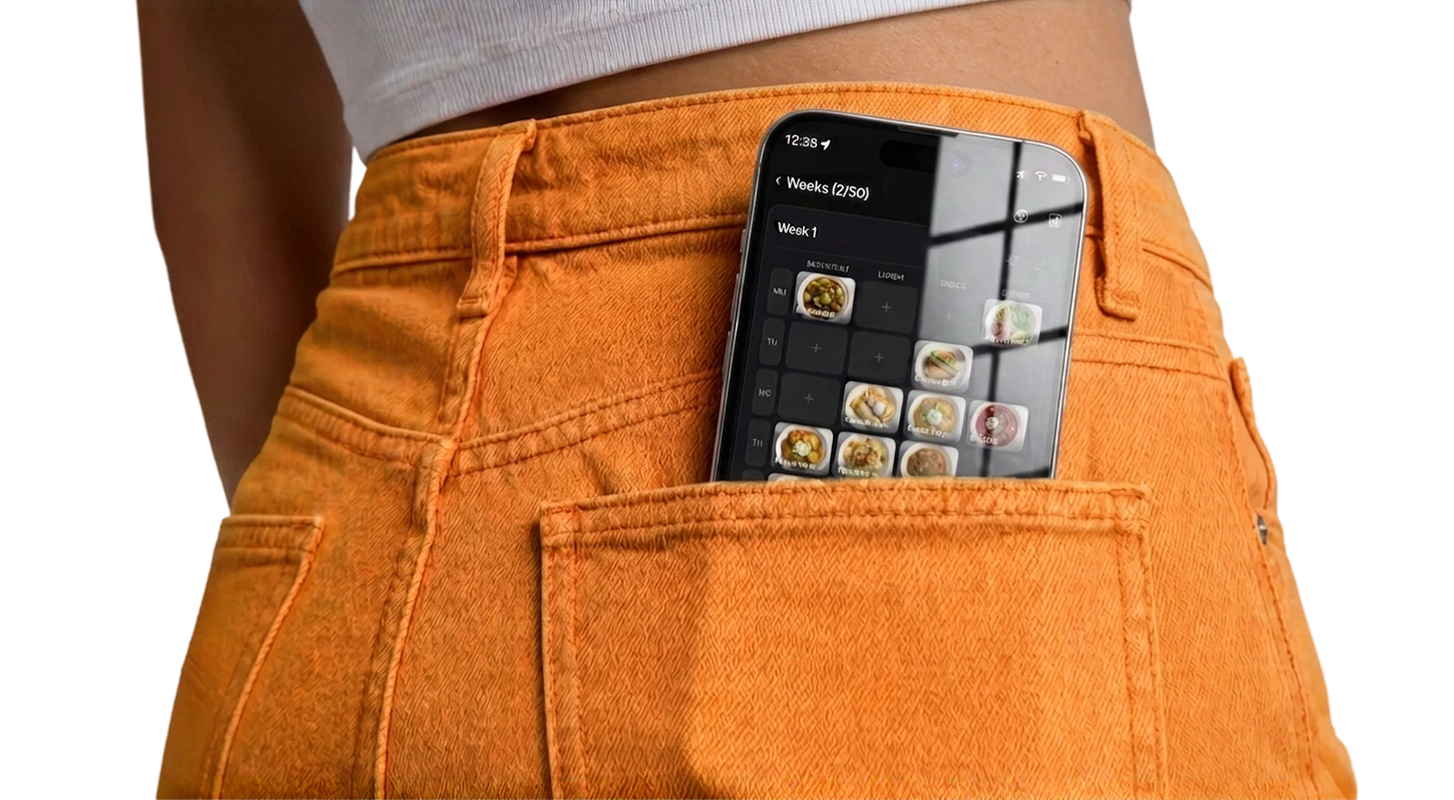

Open most "meal planning" apps and you're immediately asked for your weight, your goal weight, and your daily calorie target. Before you've planned a single dinner, you're logging macros and scanning barcodes. If that sounds exhausting — and a little beside the point — you're not alone. Most people don't want a diet coach. They just want to answer "what's for dinner?" without stress. Here's how to plan meals without counting a single calorie.
Why Calorie Counting Kills Meal Planning
Calorie tracking and meal planning are two different jobs, and bolting them together usually breaks both. Tracking demands precision: weigh the chicken, log the oil, estimate the sauce. That friction is exactly what makes people quit after a week.
Meal planning, by contrast, only needs to answer three simple questions: what are we eating, do we have the ingredients, and when are we cooking it. None of that requires a number. When your planner forces macros into every meal, the admin overwhelms the actual goal — getting a decent dinner on the table without a nightly decision spiral.
The best meal plan is the one you'll actually follow. Calorie math is the fastest way to make sure you won't.
You Can Eat Well Without Tracking Anything
Here's the thing diet apps don't advertise: planning your meals is itself one of the healthiest habits you can build — no numbers required. When you decide your week in advance, several good things happen automatically:
- You cook at home more. Home-cooked meals are almost always lighter and fresher than takeout, without you tracking a thing.
- You eat more variety. A plan nudges you to rotate dishes instead of defaulting to the same three convenience meals.
- You waste less and snack less. When dinner is decided, the aimless "I'll just order something" spiral disappears.
Better eating falls out of the structure itself. You don't have to quantify it for it to work.
How to Plan Meals the No-Tracking Way
1. Build a personal dish library
Write down the meals you already know and like — the ones you'd happily eat any week. Not "healthy" recipes you feel you should make, just real dishes you enjoy. This becomes your menu to pick from, with zero nutrition labels attached.
2. Plan the week from that list
Assign a handful of those dishes to the days ahead. Match them loosely to your schedule — quick meals on busy nights, a bigger cook on a calmer day. That's the whole planning step.
3. Generate the shopping list from the plan
Turn the week's dishes into one grocery list. Buying to a plan means you get what you'll actually use — no barcode scanning, no logging, just the ingredients for the food you chose.
4. Reuse the weeks that worked
When a week felt easy and everyone ate well, save it and run it again later. Over time you build a small rotation of proven weeks, and planning shrinks to a two-minute pick.
Download FoodsPlans
Save dishes, plan weeks, reuse plans, and generate grocery lists with AI — all in one simple app.
 App Store
 Google Play
Who This Is For
This approach isn't anti-health. If you have specific medical or athletic reasons to track macros, dedicated tools exist and they're great at that job. But most people aren't training for a competition — they just want to feed themselves and maybe a partner or family without turning dinner into a spreadsheet.
For that huge middle group — people who want to eat reasonably, spend less, and stop stressing about food — a planner that skips the calorie math is genuinely more useful. It removes the friction that makes planning fail and keeps the part that actually helps.
Food Planning for Normal People
You don't need to earn your dinner with a calorie budget. You need a simple system that answers "what's for dinner" for the week, hands you a shopping list, and gets out of the way. That's meal planning without the diet-app baggage — and for most people, it's the version that finally sticks.